The craft
The craft,
in order.
Everything Alhora does, in the order you'll meet it — from the file you already have to the files you'll upload.
Chapter i
Bring it in,
as it is.
Start from the file you already have. Alhora reads its structure, so you begin with chapters rather than a wall of text.
- Microsoft Word .docx
- Headings become chapters. Italic, bold, small caps, block quotes, scene breaks, footnotes, lists and images are carried across.
- Scrivener .scriv
- The binder becomes the book: folders become parts, documents become chapters, in binder order.
- Google Docs .docx
- Exported as .docx. Because Docs formats headings directly, Alhora recognises them by size and weight.
- RTF, Markdown and plain text
- Basic formatting from RTF; headings from Markdown; chapter breaks detected in plain text.
Changed the manuscript elsewhere? Reimport review shows every change before it lands.
Chapter ii
Set the style.
Change anything.
Seventeen built-in styles give you a considered starting point. From there, every choice is yours — for the whole book or a single chapter — and your text never changes, only how it is set.
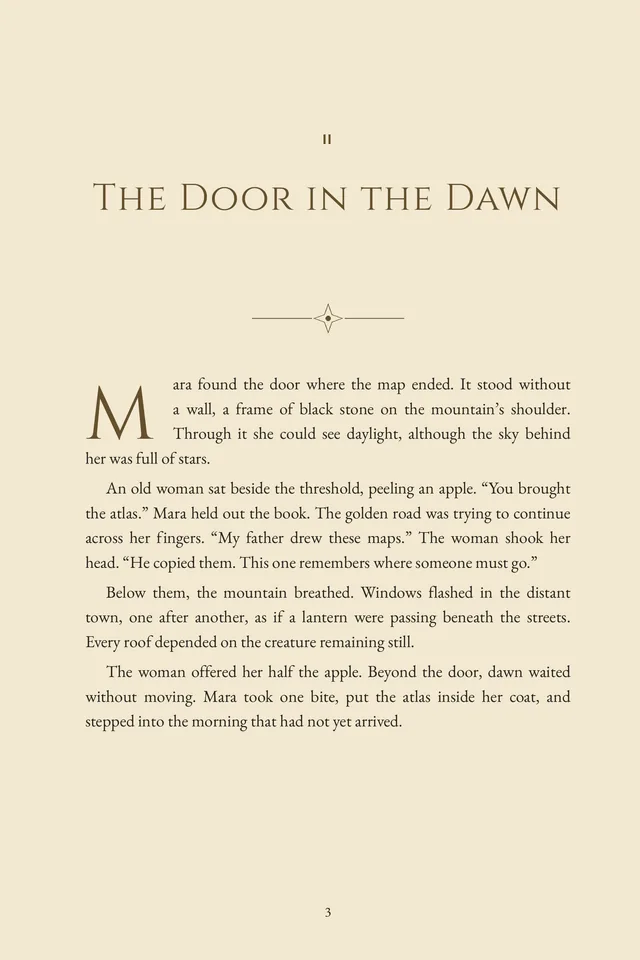
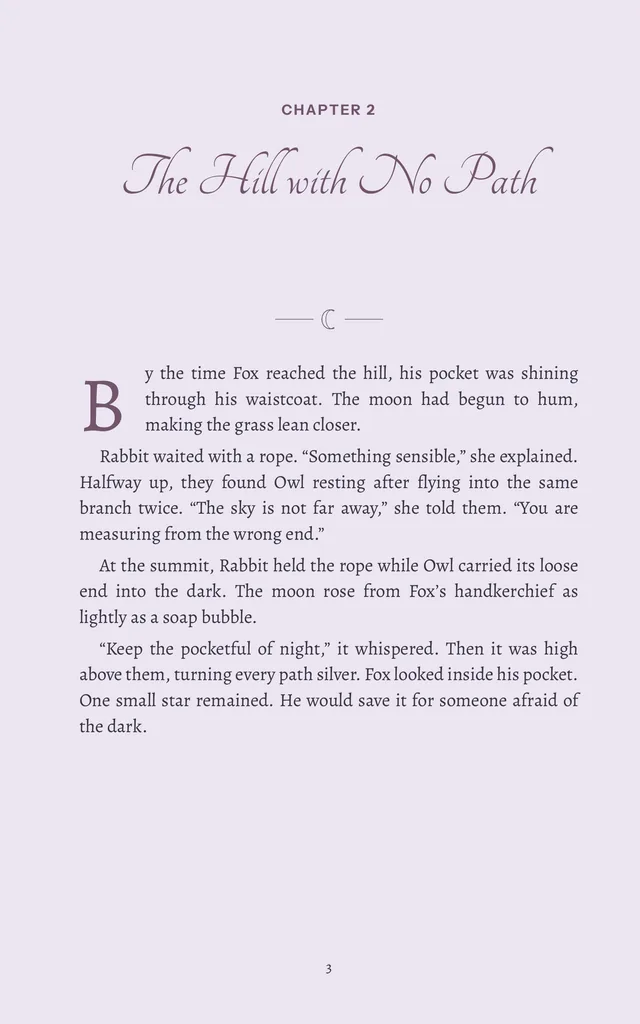
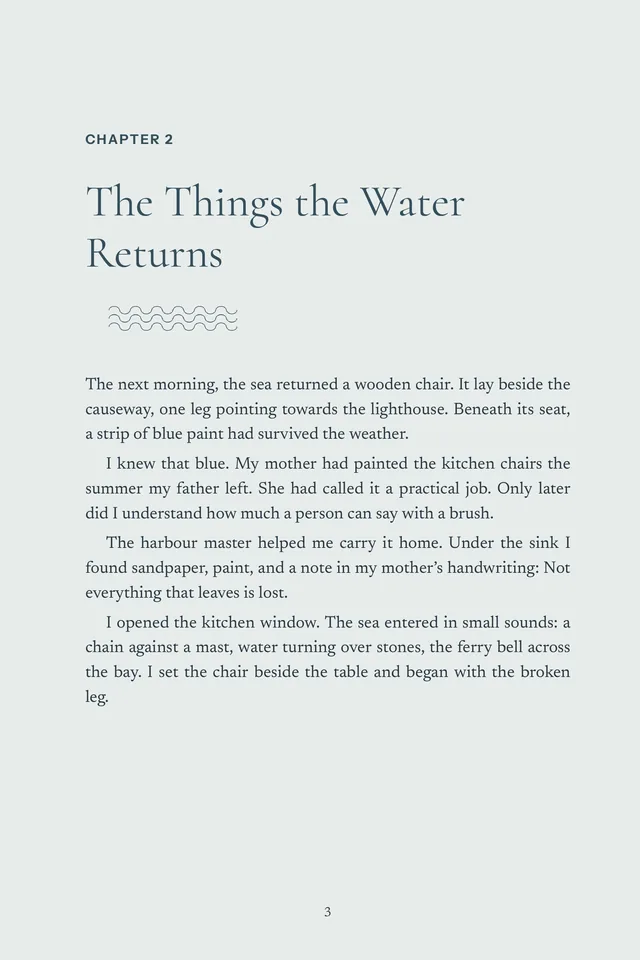
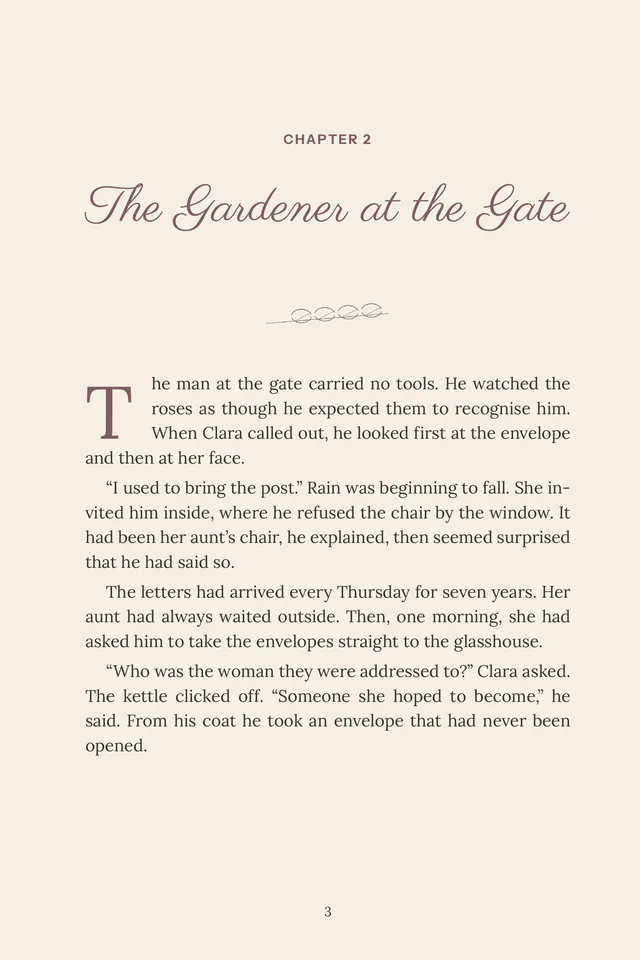
Second-chapter openings from four specimens, rendered from their Alhora print PDFs.
- Chapter openers
- Heading faces, chapter numbers as numerals, words or roman numerals, sinks, header images and ornaments.
- Drop caps
- Two, three or four lines; dropped, raised or adjacent; or off.
- Fonts
- Built-in book faces, or your own licensed fonts, embedded safely.
- Trim sizes
- Twenty-three presets, plus any custom size.
- Your book's language
- Books can be set and proofed in fifteen languages, never corrected into English.
Chapter iii
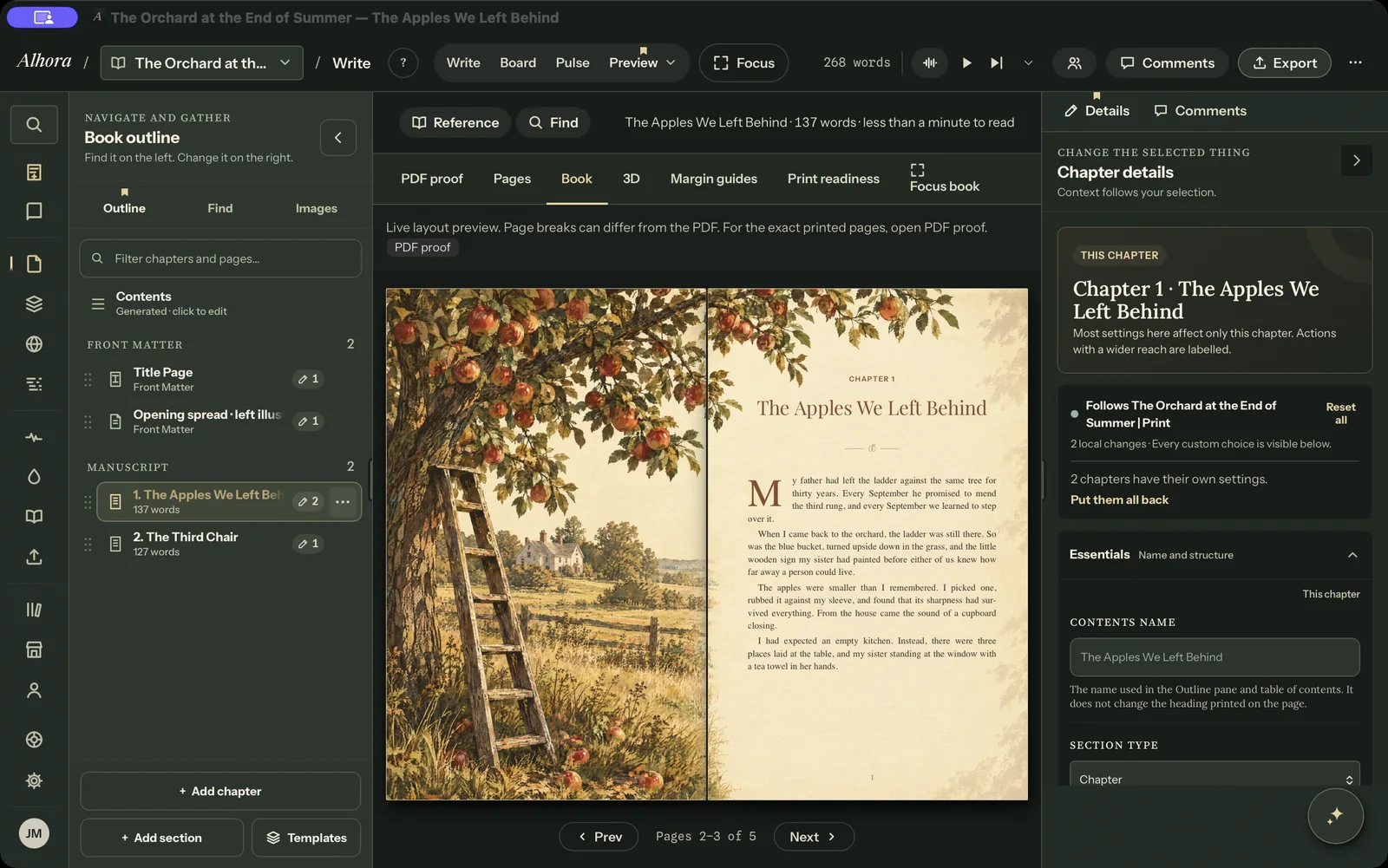
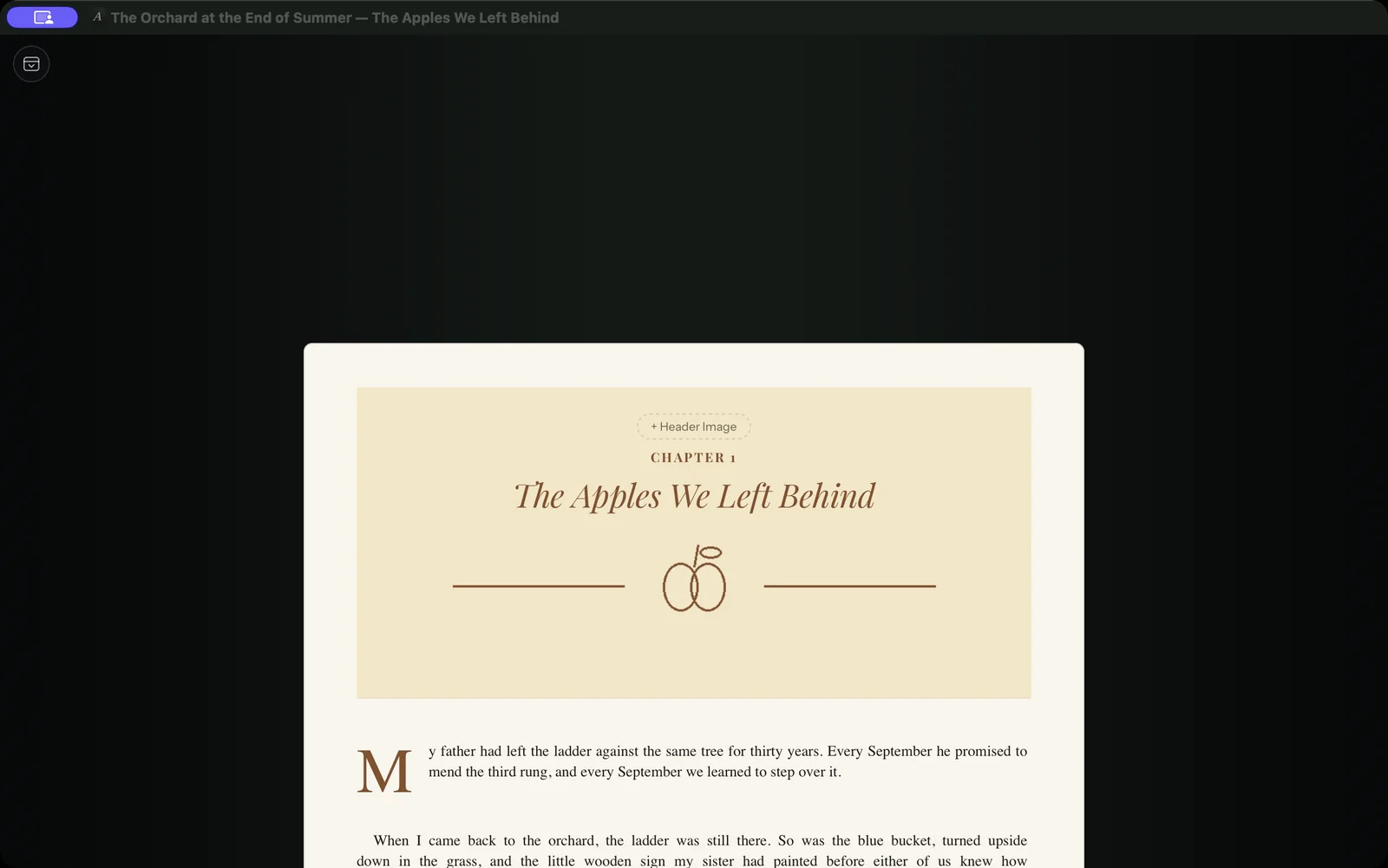
See every page
before anyone else.
Preview the way a reader will meet your book: on an ebook reader, as two-page spreads, as single printed pages, or beside your writing as you type. When page breaks matter, the PDF proof shows exactly what will export.
Chapter iv
Ready for print,
honestly.
Alhora checks the things printers ask about while you can still change them. Checks run offline and tell you what they found; each store still makes its own decision, so preview your files in its tools before publishing.
- Spine width
- From your real page count, using KDP's and IngramSpark's published paper figures.
- Trim, bleed and gutter
- Inside margins checked against your page count, against KDP's published minimums.
- Images
- Pictures that will print soft are flagged before you upload.
- Cost and royalty
- Estimates from the printers' published rates.
- Store pre-flight
- KDP, KDP Print, Apple Books, Kobo Writing Life, Barnes & Noble Press, IngramSpark and Draft2Digital.
Chapter v
Export,
then export again.
- Print-ready PDF
- Bleed, crop marks and an embedded ICC profile, laid out by Alhora's own typesetting engine — not a browser's print dialog.
- EPUB 3
- Reflowable, with a navigation document, embedded fonts where the licence allows, and variants for Kindle, Apple Books, Kobo or any store.
- Series re-export
- Change the back matter once and rebuild every book in the series.
- Free sample
- Without a plan, export your front and back matter and the first eight pages, with a small mark in the outside margin.
Also in Alhora: drafts, version history on your own disk, verse and tables, bibliographies and indexes, living back matter, metadata and ISBNs per edition, stamped ARC copies and live editing sessions (beta). The full feature index
Chapter vi
Your words
stay yours.
Nothing in Alhora writes your book. There is no compose feature and there are no AI add-ons to buy. Inkia, the built-in guide, sets things up for you and never writes your words.
Your manuscript is not used to train AI models, and your projects are files on your own computer.