



Alhora
Founder offer · on now Lifetime for $134.99, once instead of $194.99 78 of 150 claimed

Book formatting software for authors

Make it a book.

Bring your manuscript. Choose how every chapter opens. See each spread as it will print, then export a print-ready PDF and an EPUB. Your words, set beautifully — and every choice stays yours.

  • Format and preview your whole book free
  • No card needed
  • Plans from $12.99 a month, or $134.99 once

Also on iPhone, iPad and Android — or write in your browser with Web Studio Beta

Download on the App Store Get it on Google Play
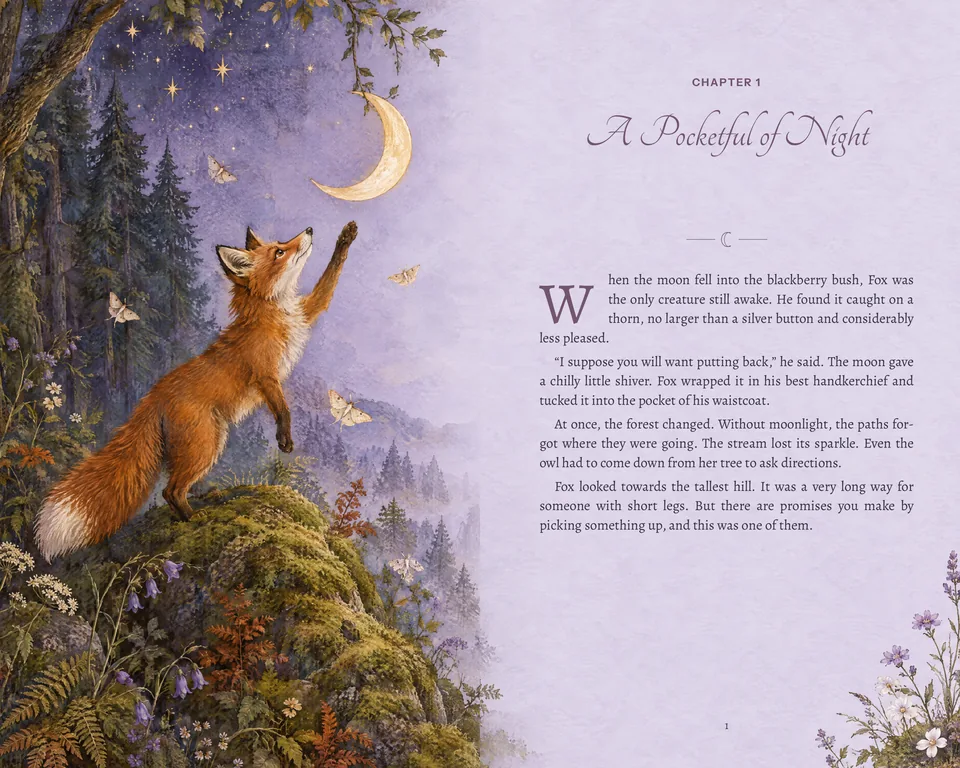
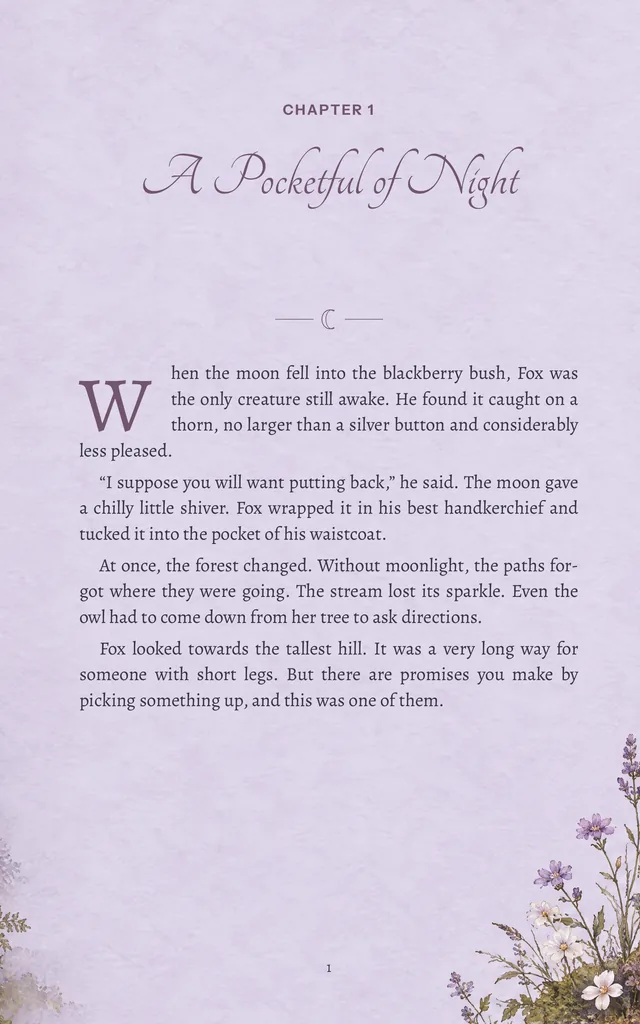
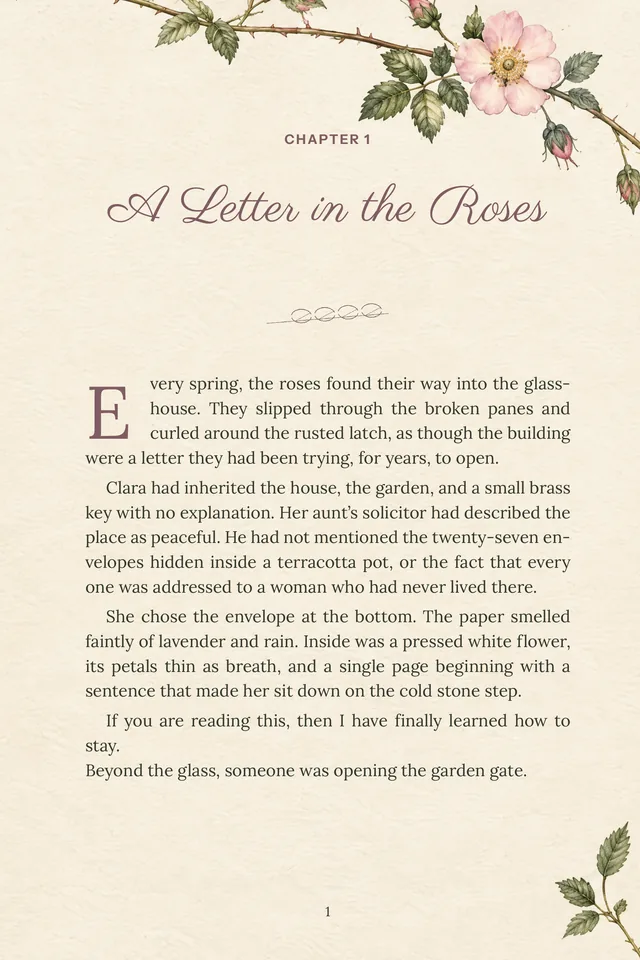
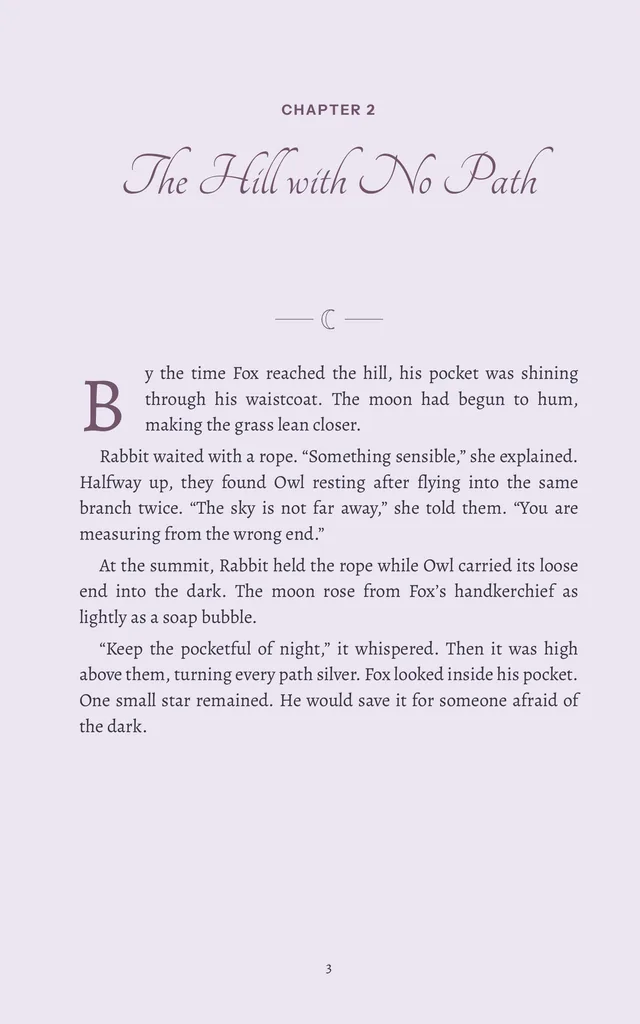
A real export, not a mock-up. The Fox Who Borrowed the Moon, pages 2–3 of a print PDF from Alhora 1.36.1. A design specimen; the illustration was supplied to the project.

Every chapter deserves
an opening.

Alhora sets the page around your words: the heading, the ornament, the first line, the margins, the folio. You decide how it feels.

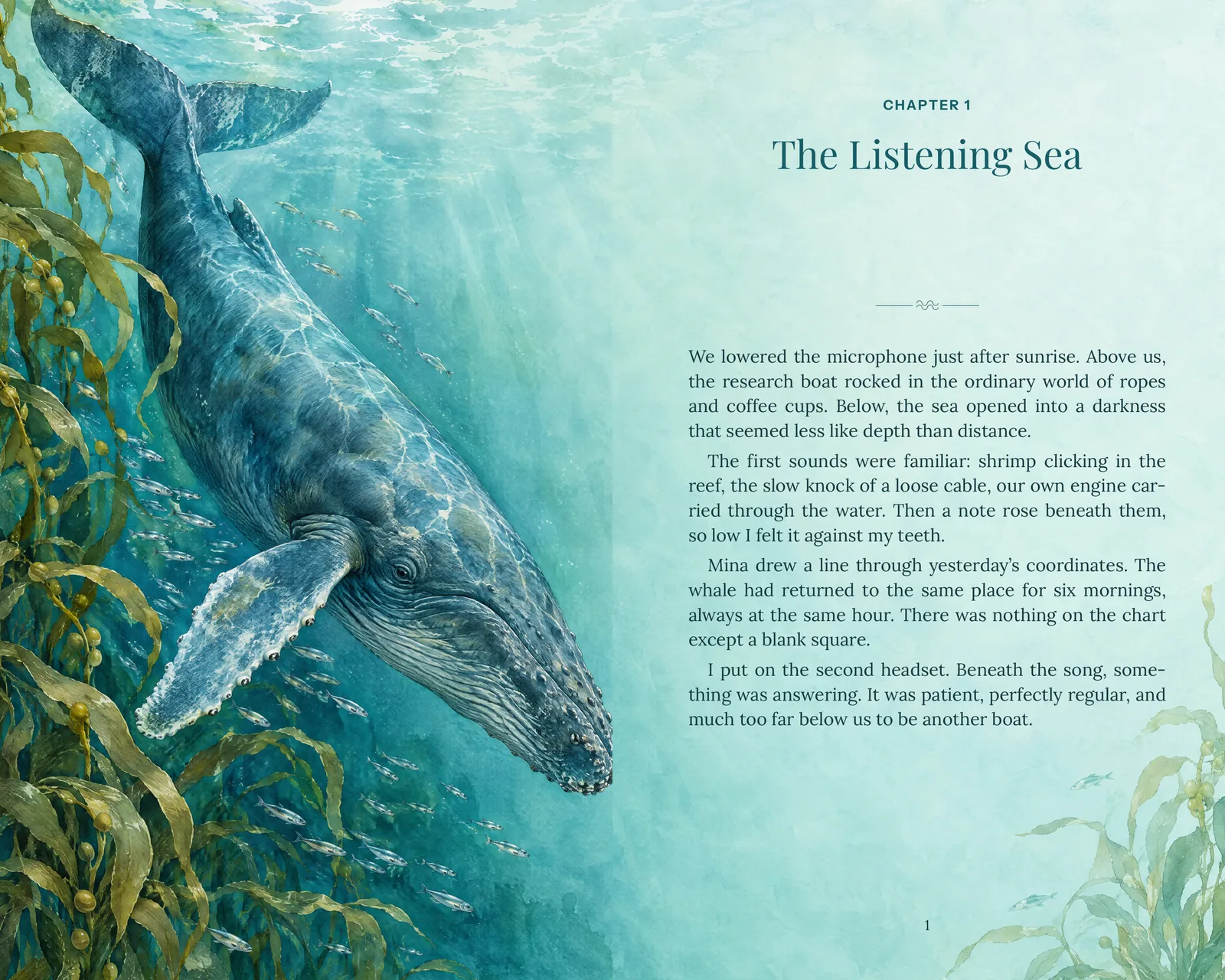
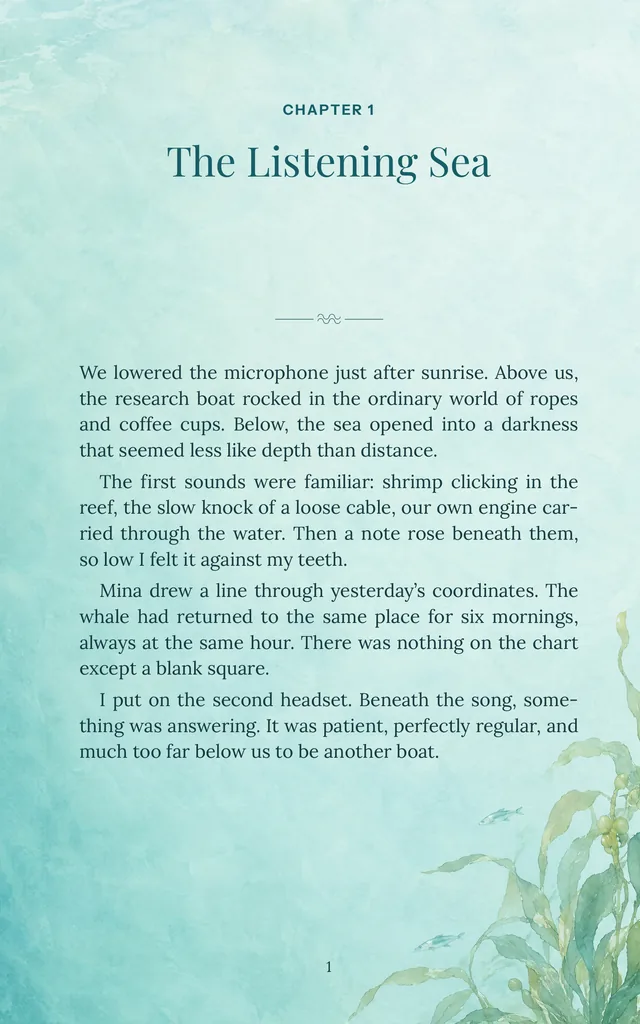
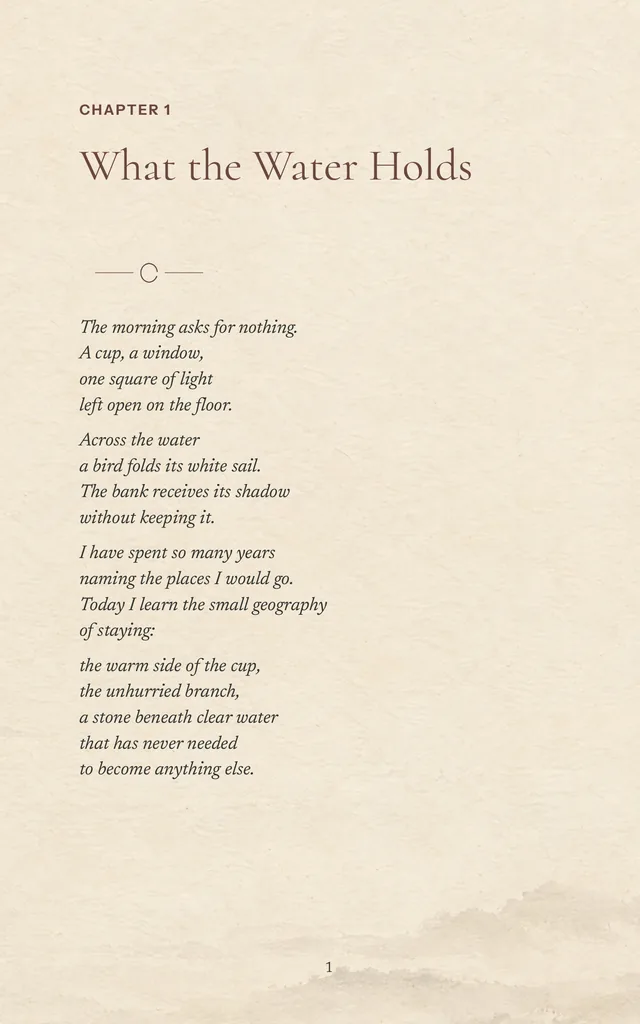
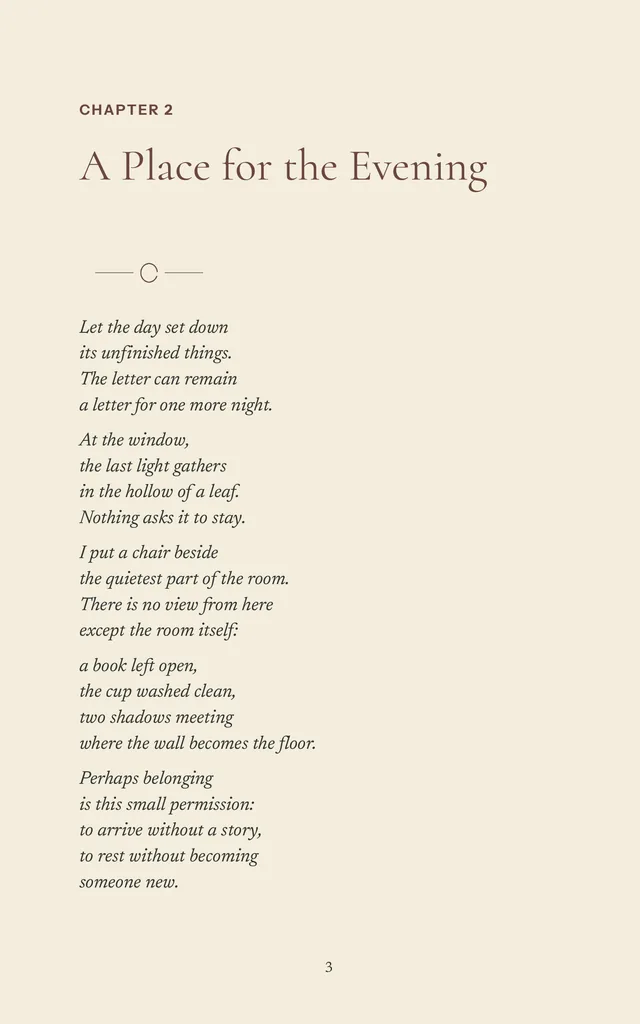
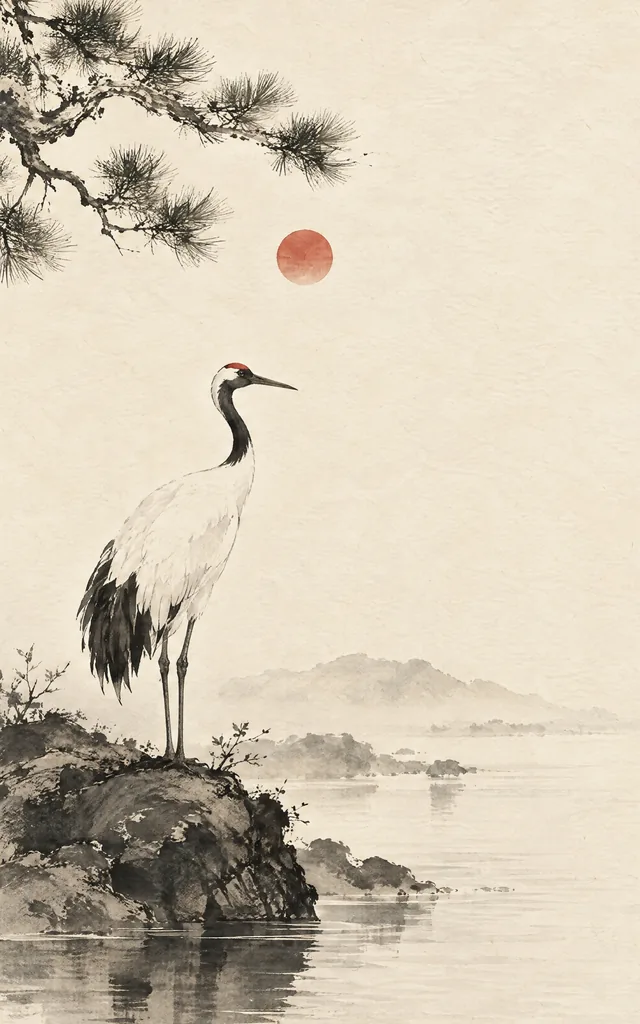
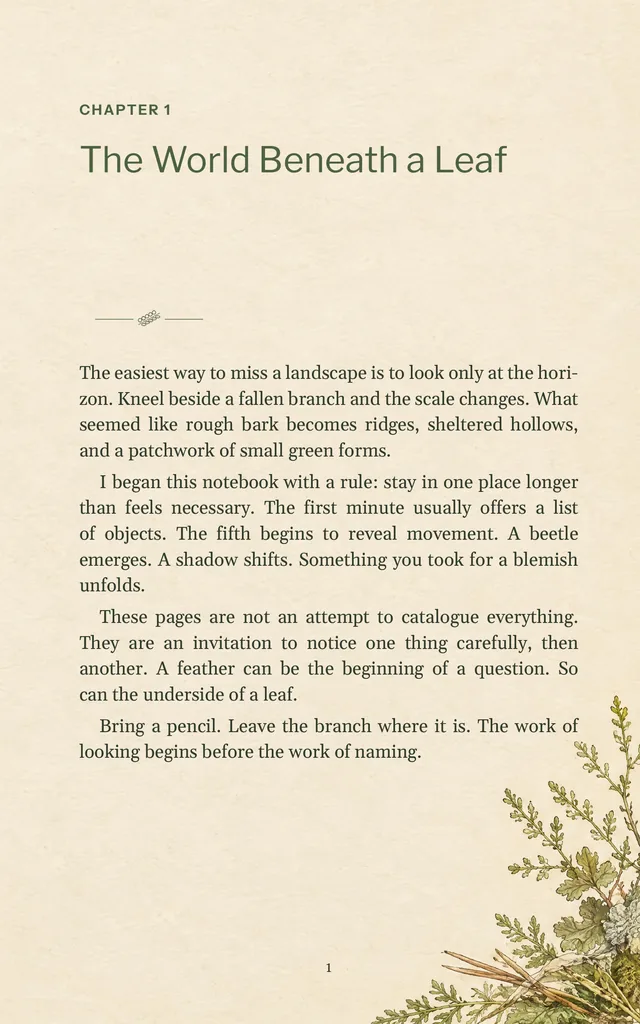
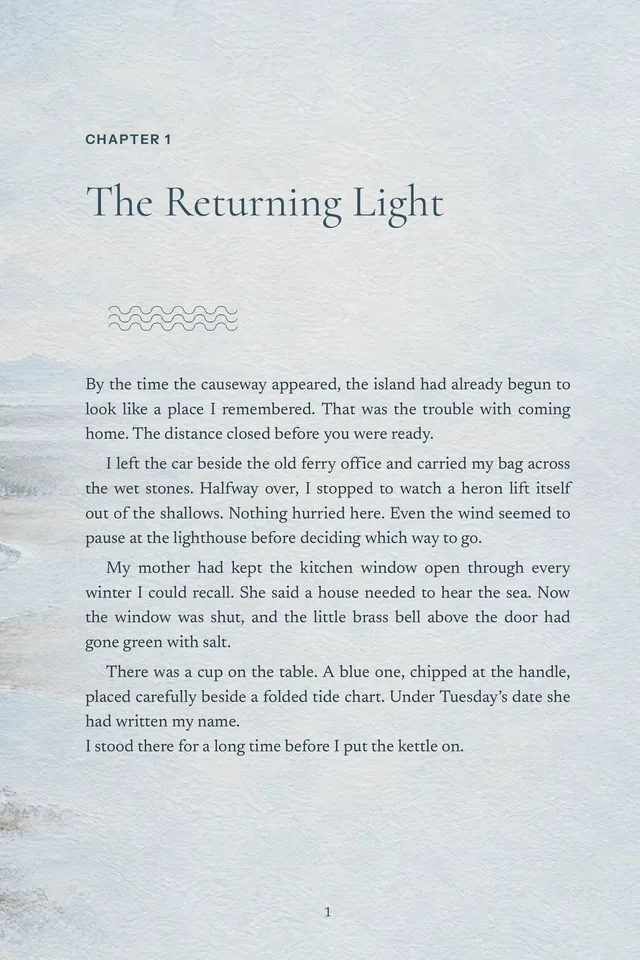
Below the Blue, pages 2–3 — Alhora print PDF, 5 × 8 in.

How it works

The same words.
Set like they matter.

Follow one chapter from a plain manuscript to Alhora's exported print page. Nothing here is redrawn for the website: the page is a render of the real PDF.

  1. 01

    Bring your manuscript

    Import from Word, Scrivener or Google Docs — or paste, or write in Alhora. Headings become chapters; italics, scene breaks, footnotes and images come across.

  2. 02

    Choose how it should feel

    Start from one of seventeen built-in styles, then change what you like: the chapter opener, heading type, ornament, drop cap, margins. Change it for the whole book or one chapter. Your text never changes — only how it is set.

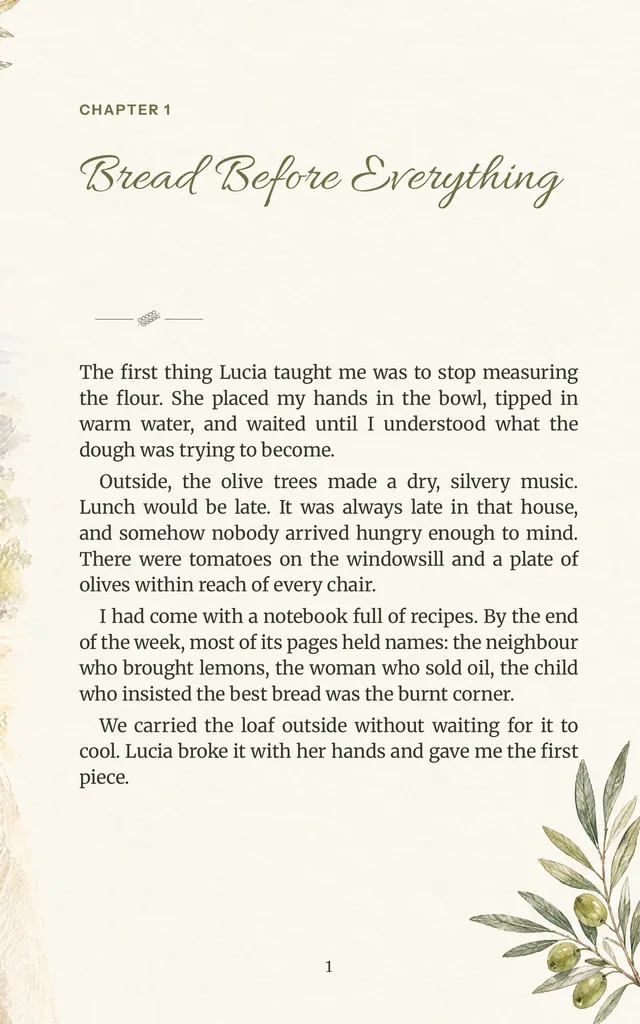
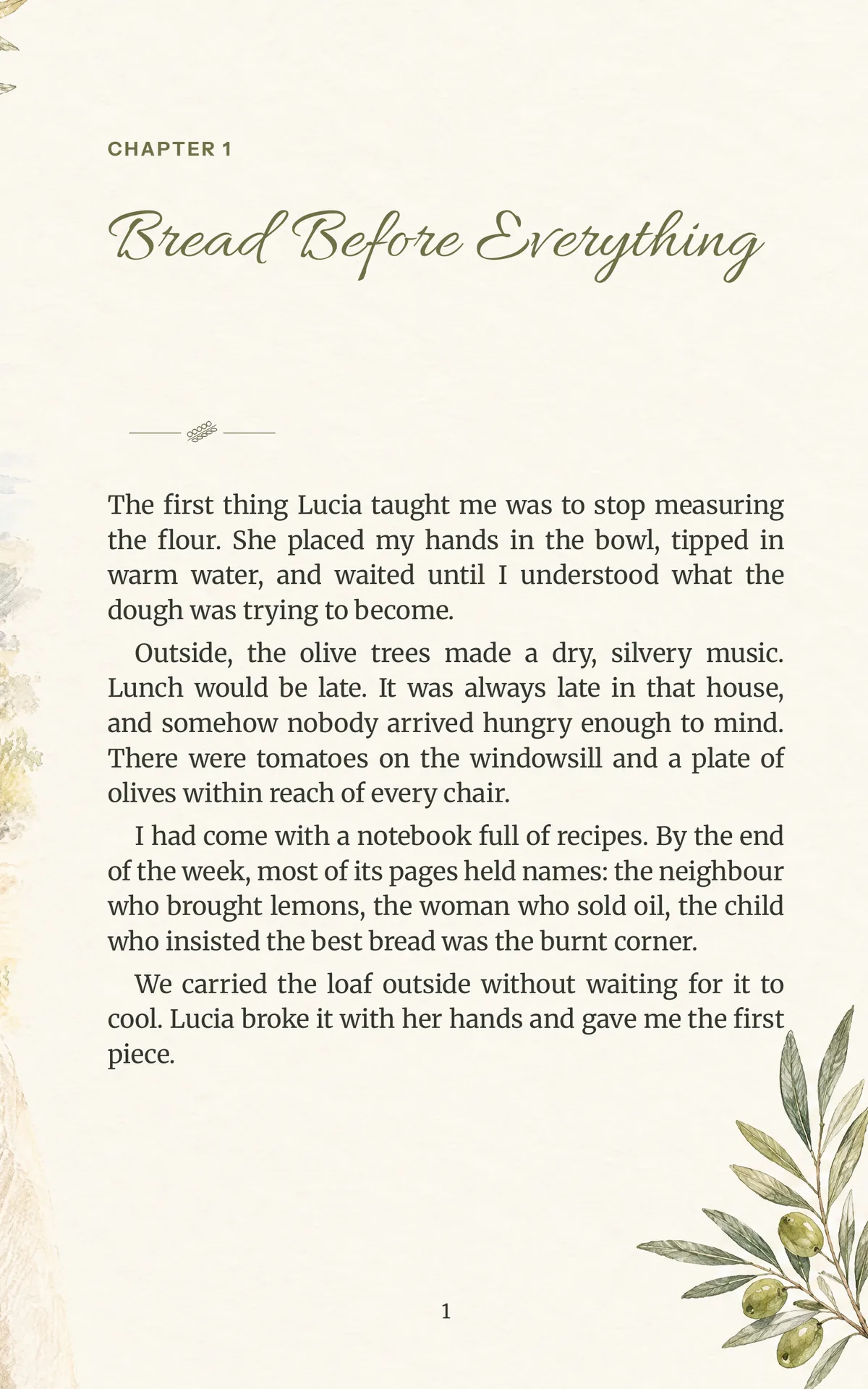
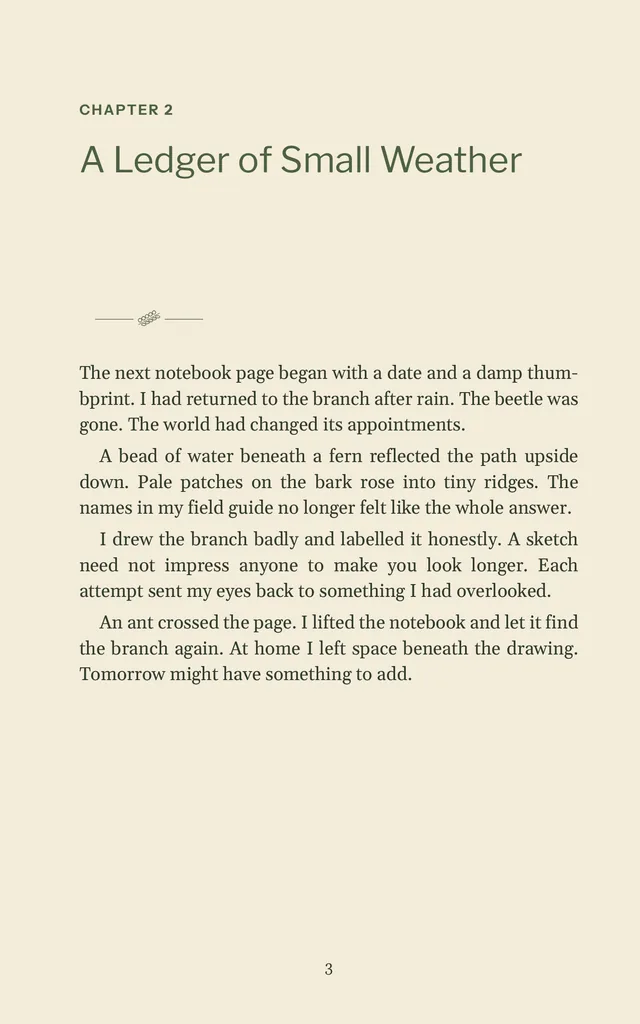
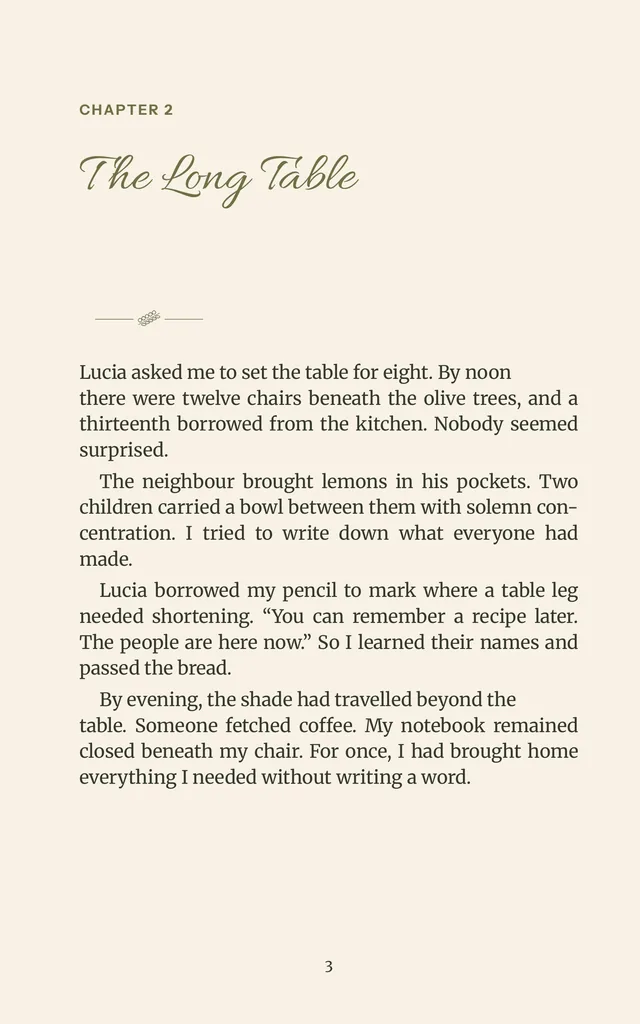
    The same chapter as a typeset page: ‘Bread Before Everything’ in an olive-green script heading, with an olive-sprig ornament.
  3. 03

    See every spread before you print

    Preview two-page spreads as you work, on a reader's device or as single printed pages. When you need certainty about page breaks, the PDF proof shows exactly what will export.

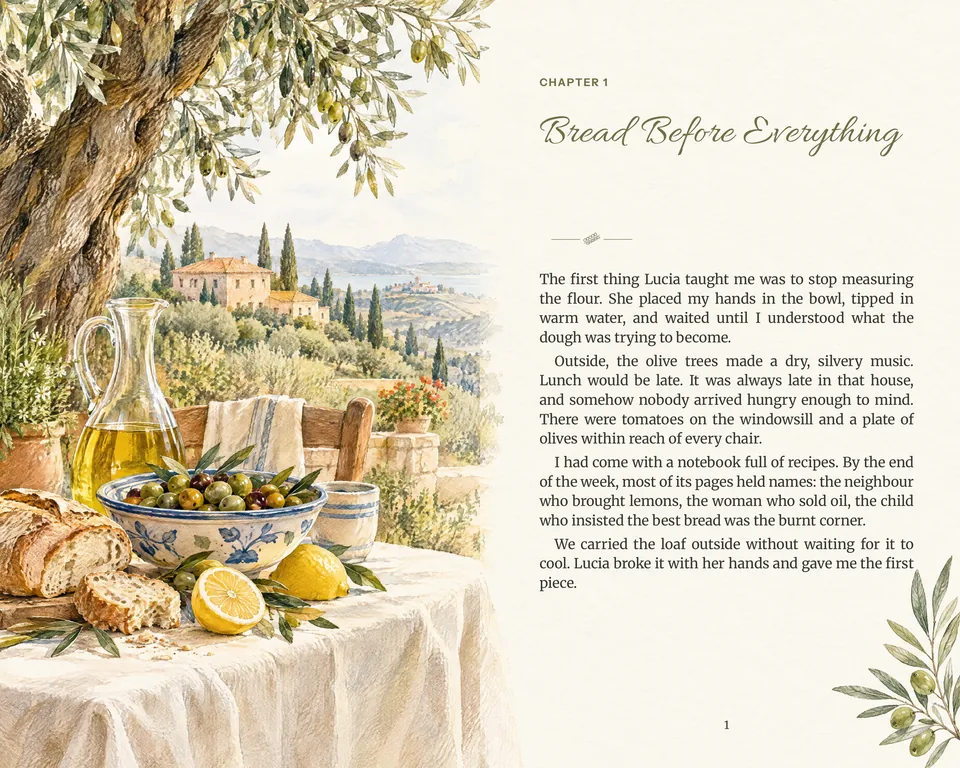
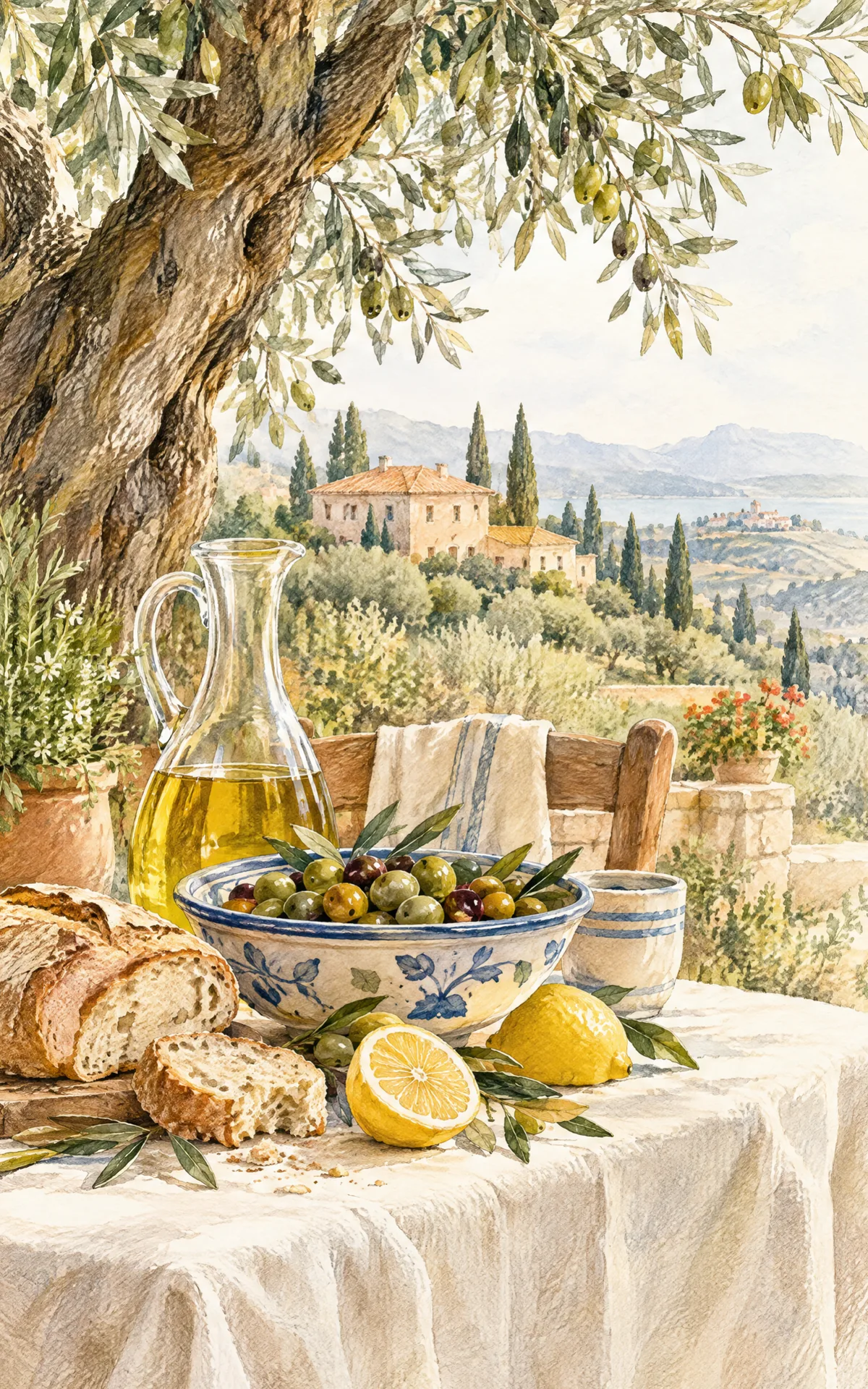
    The full spread: a garden table under an olive tree on the left page, the chapter opening on the right.
  4. 04

    Export when it is right

    Export a print-ready PDF with bleed, crop marks and embedded fonts, and an EPUB for Kindle, Apple Books, Kobo or any store. Try it free first: a sample holds your front and back matter and the first eight pages.

About this comparison. The manuscript is the chapter's text shown as plain document text. The typeset page and spread are renders of the specimen's real PDF export. Alhora's on-screen preview can paginate slightly differently from the PDF; the app's PDF proof shows exact pages.

The craft, handled.
The choices, yours.

The fiddly parts of typesetting happen as you write. Each one can be adjusted, and none of it touches your words.

  • Justified and hyphenated

    Even margins, with print hyphenation that follows your book's language rather than assuming English.

  • Drop caps

    Two, three or four lines deep, dropped, raised or set beside the text — or switched off.

  • Widows and orphans

    Page breaks are planned to avoid stranded lines, and Print readiness points out any that remain so you can pull them home.

  • Your emphasis, kept

    Italic, bold, small caps and block quotes come across from your manuscript, set in your book's fonts.

  • Ornamented

    Scene breaks and chapter ornaments, from a fleuron to your own artwork.

  • Running heads and folios

    Page numbers and running heads placed for print, and left off the pages that should be clean.

  • Chapter openings

    Give every chapter its own entrance, with titles, numbering and spacing shaped to your book.

  • Beautiful contents

    A thoughtfully styled contents page, giving readers a clear path through your book.

Inside Alhora

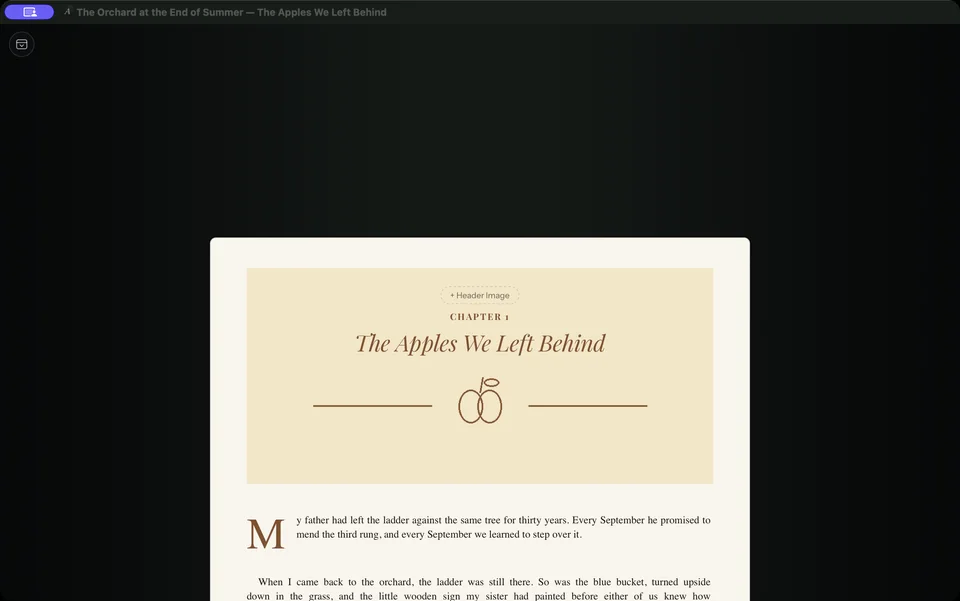
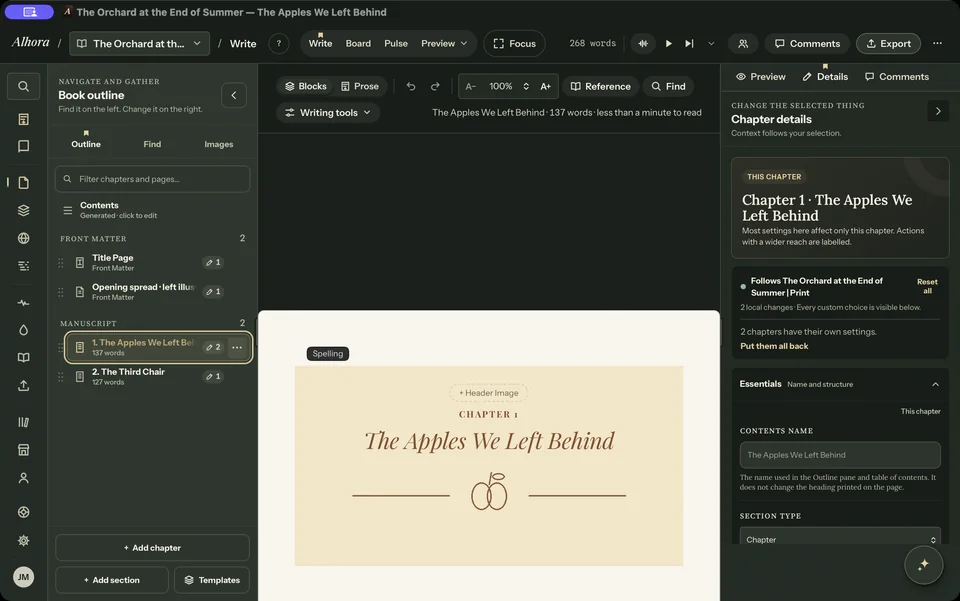
Write Alhora's Focus view: a single page of the manuscript on a dark background. without distraction. Shape Alhora's Write view: the book outline on the left, a chapter opening in the centre and chapter settings on the right. every chapter. See every Alhora's Book preview showing a two-page spread of an orchard illustration and a chapter opening. spread.

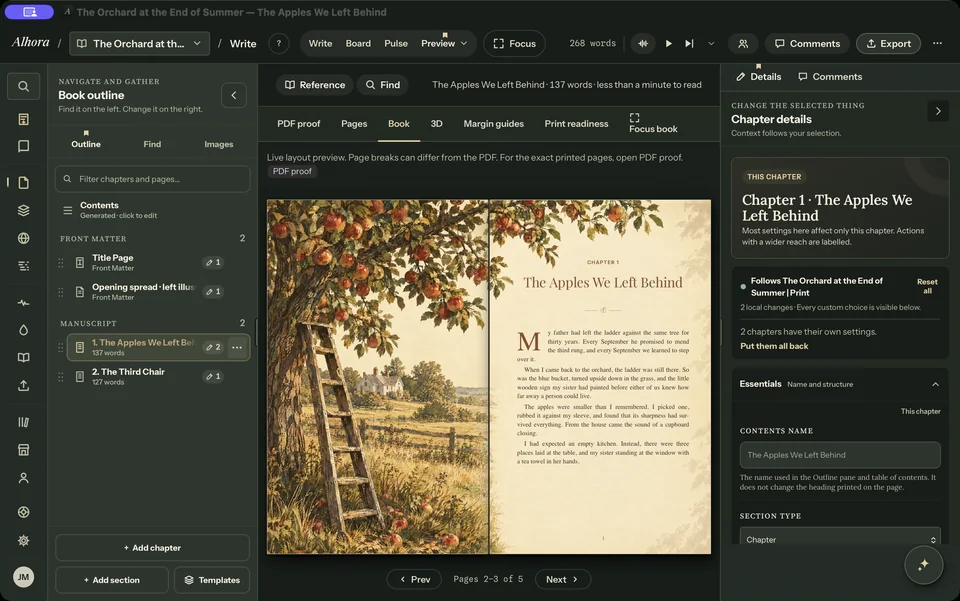
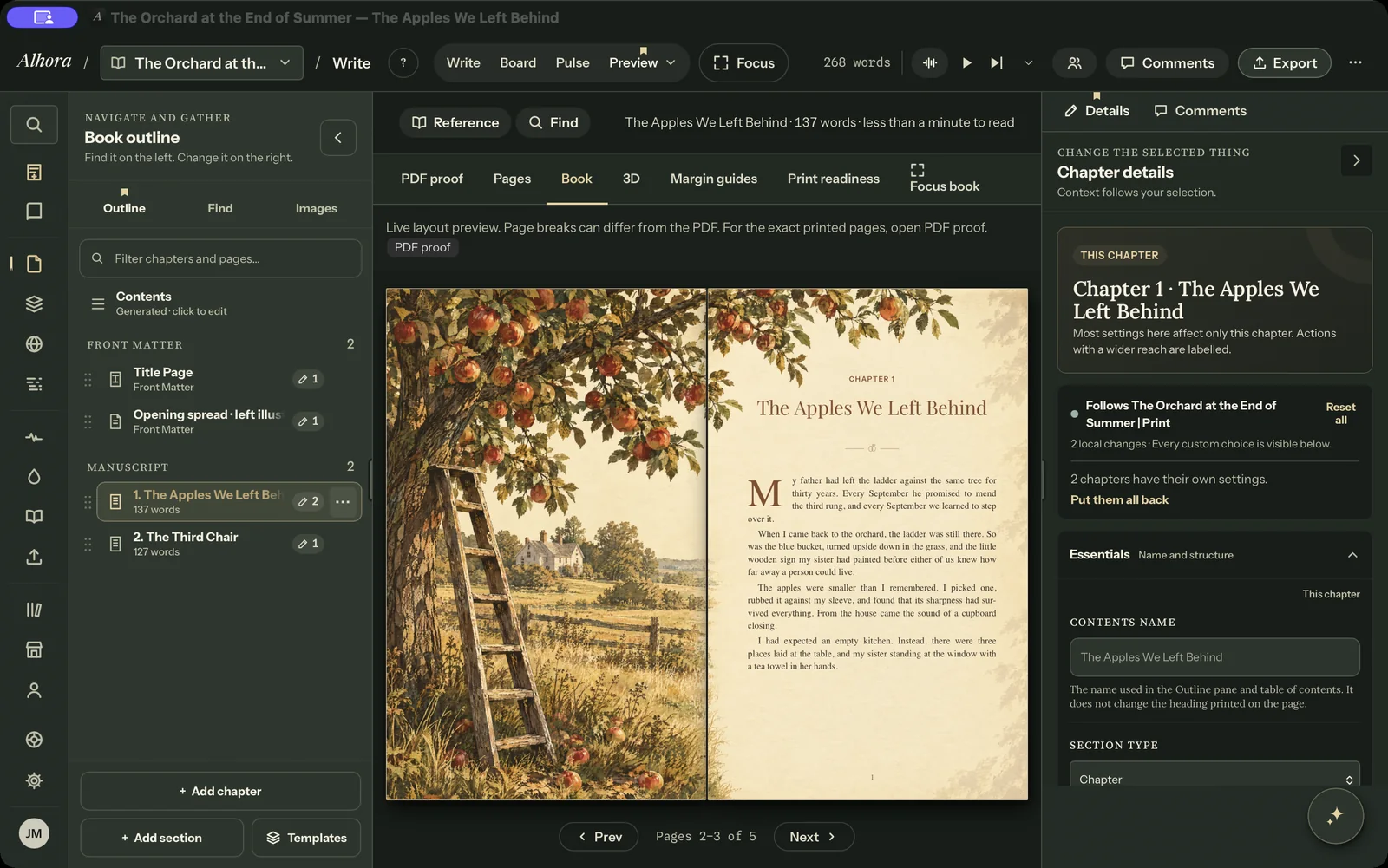
The Alhora desktop app on macOS. Left: the book outline with front matter and two chapters. Centre: a live two-page spread of The Orchard at the End of Summer. Right: the Chapter details panel.
The Alhora desktop app, Book preview of The Orchard at the End of Summer. The app's own note applies: this live layout can break pages differently from the PDF, which the PDF proof shows exactly.
  • Styles stay separate from your words

    Change the look of the whole book, or one chapter, without touching a sentence. Every custom choice is visible and can be reset. Watch tutorials

  • No AI writes your book.

    Write, format and export your entire book without AI. Inkia, the built-in guide, sets things up for you and never writes a word. Our AI principles

  • Works where you write

    Desktop apps for macOS, Windows, Linux and ChromeOS. A web studio in beta, and iPhone, iPad and Android apps for writing on the move.

Blocks

Text messages, letters,
case files — in the book.

Stories aren’t only paragraphs. Add a text conversation, an email, a diary page or a redacted file as a real block — it’s set to match your book and stays that way through every restyle, in print and in the ebook.

Add a block

Illustration · in the app, each block follows your book’s style

Letters & messages

Tuesday 21:14

Are you at the harbour?

Counting the lamps.

All of them?

Eleven tonight. There should be twelve.

Sam is typing

Also: block quotes, epigraphs, songs, flashbacks, dream sequences, excerpts from a book within your book, tables, code, footnotes and endnotes. Everything in Write

Behind the pages

The real studio.
Your turn.

Open a sample book in Alhora’s actual editor. Shape a chapter, look at it on a reader’s device, and find the style that feels like your book. No account needed.

The Alhora studio Live sample Open full screen
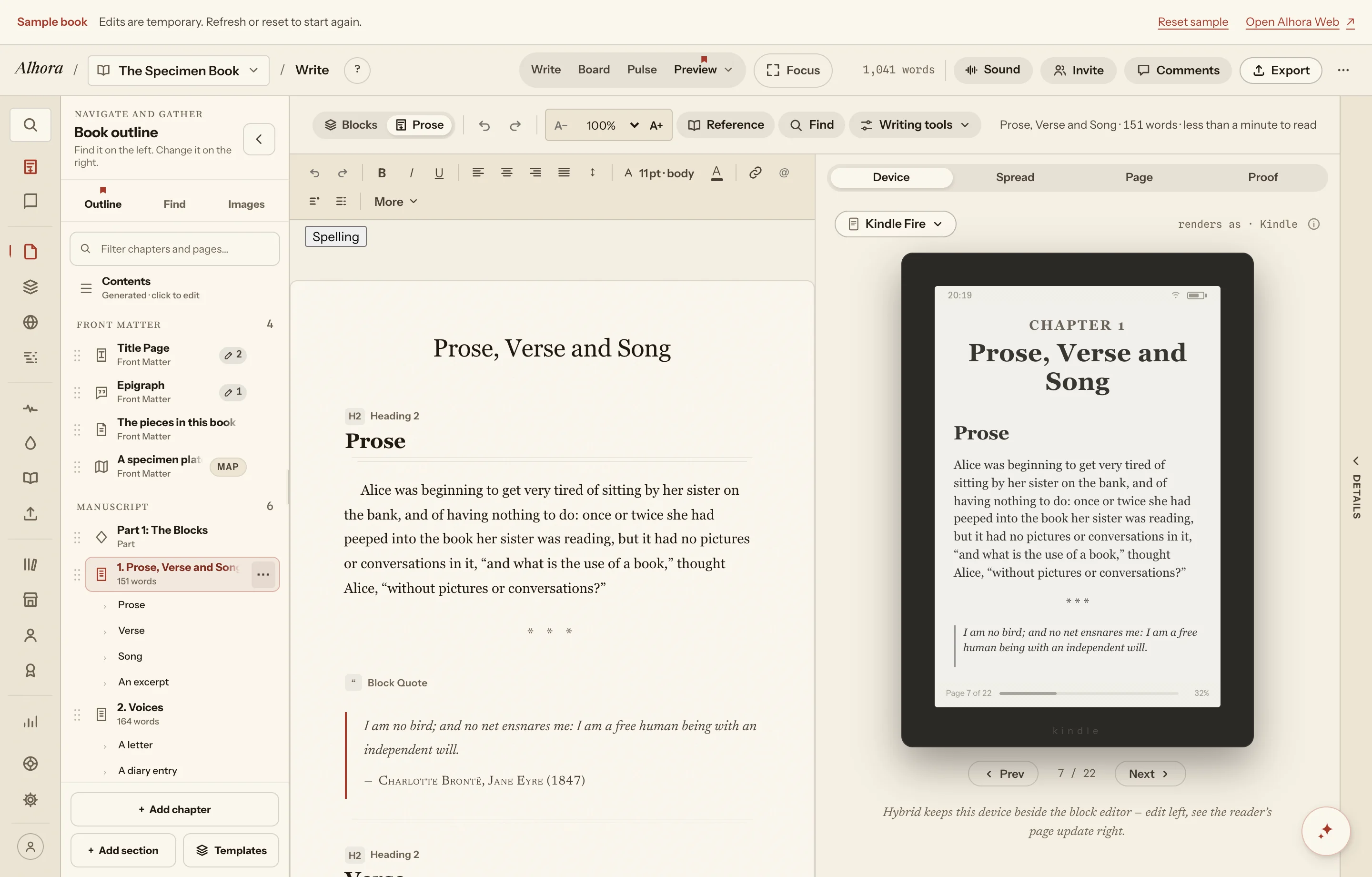
The current Alhora editor: the book outline, the manuscript and a live reader preview, in the Paper and Ink interface.
Try the real editor A sample book. Your edits stay in this tab and reset when you refresh.

The same editor and Style Studio as Alhora, ready to explore.

Alhora Web Studio Beta

Your own books, in any browser — no download. Sign in with your Alhora account and pick up where you left off; some tools still open in the desktop app.

Open Web Studio

Find your
book's voice.

Fourteen specimens, all typeset and exported by Alhora. Open a drawer to see what a chapter can look like in your genre.

The specimen shelf

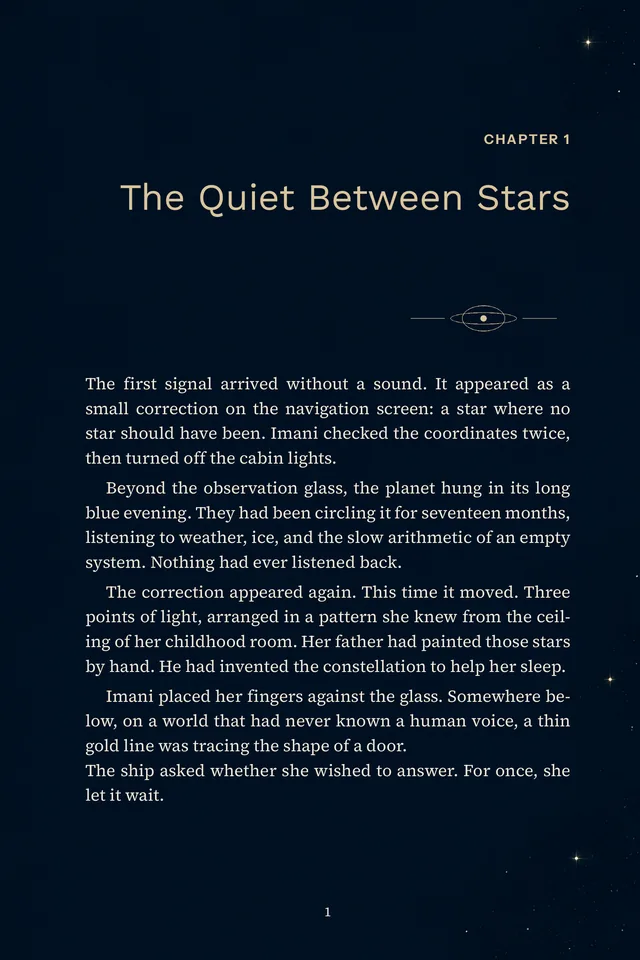
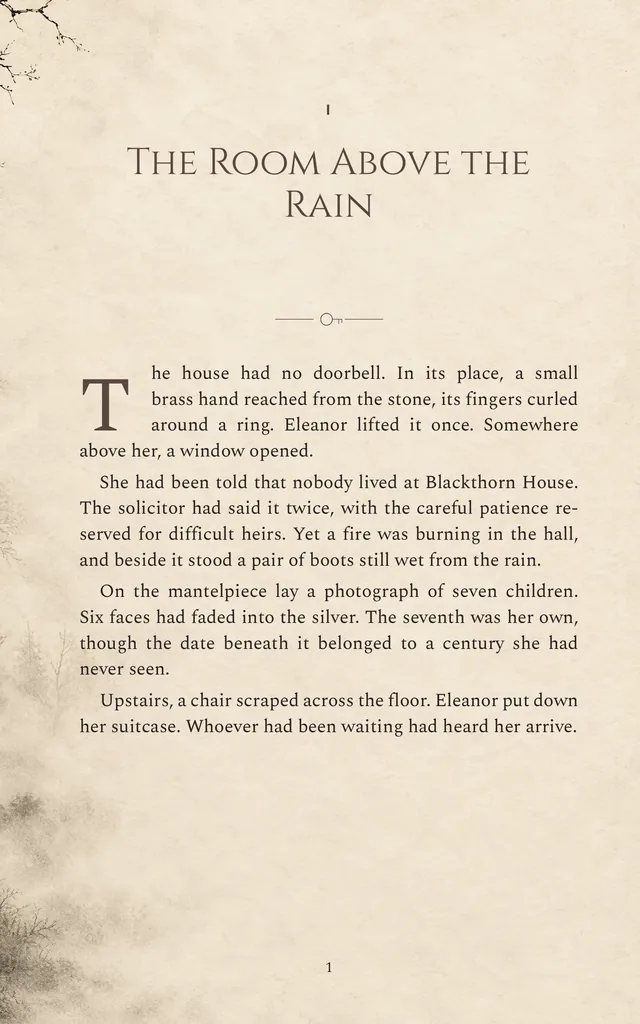
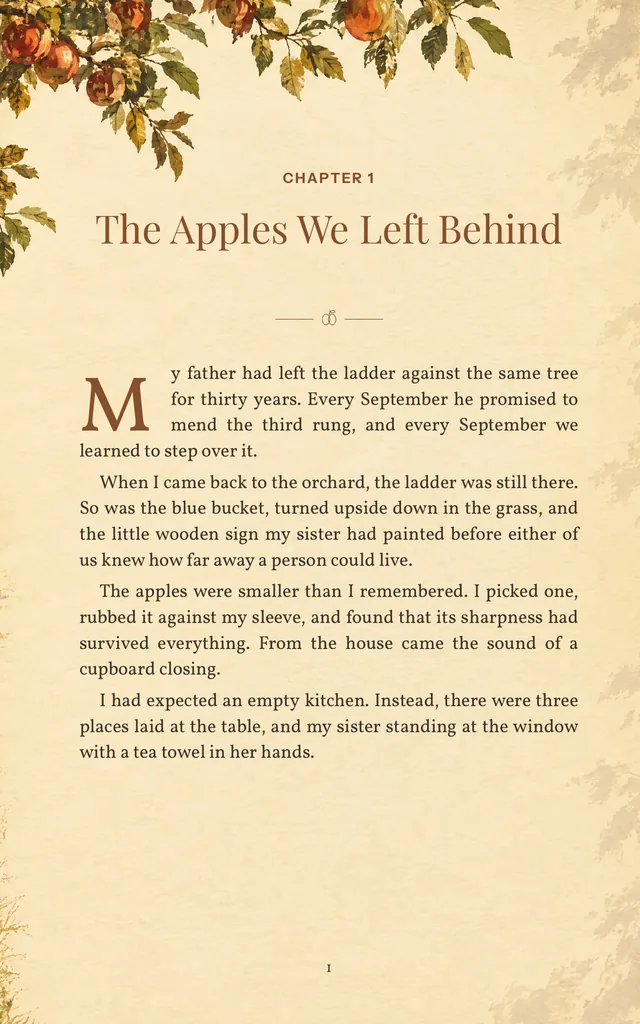
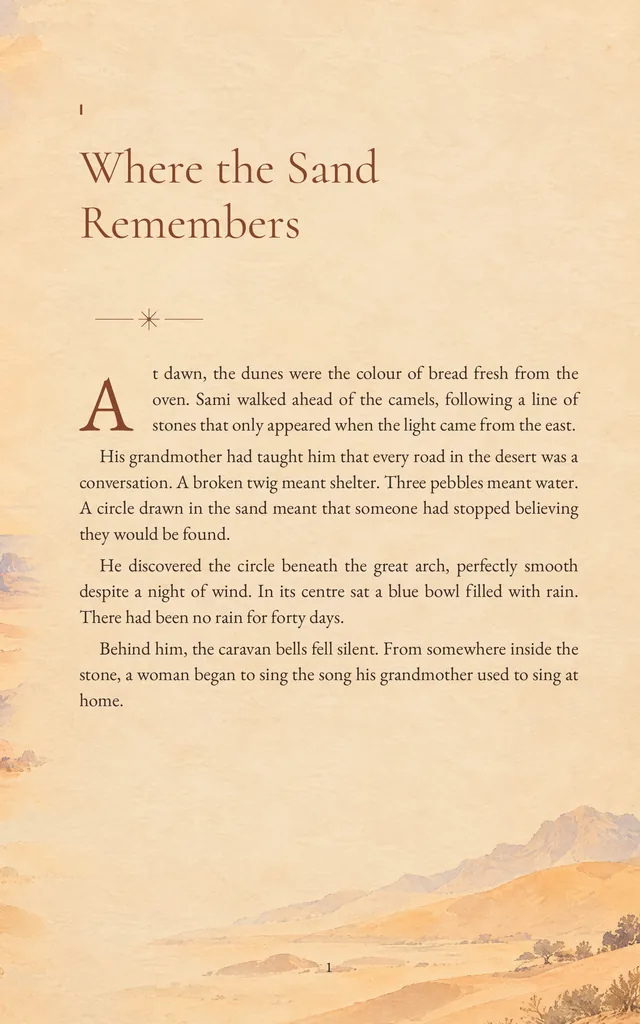
Every page below is a render of a real Alhora print export, bound in that book’s own cover. Specimens credited to Alhora; covers and illustrations supplied to each project.

    08 / 14

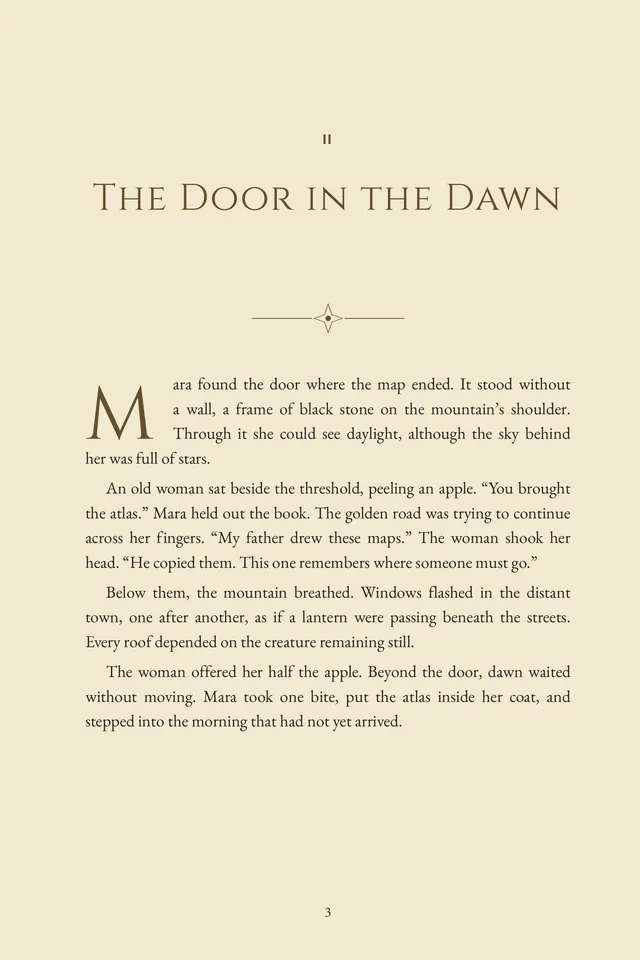
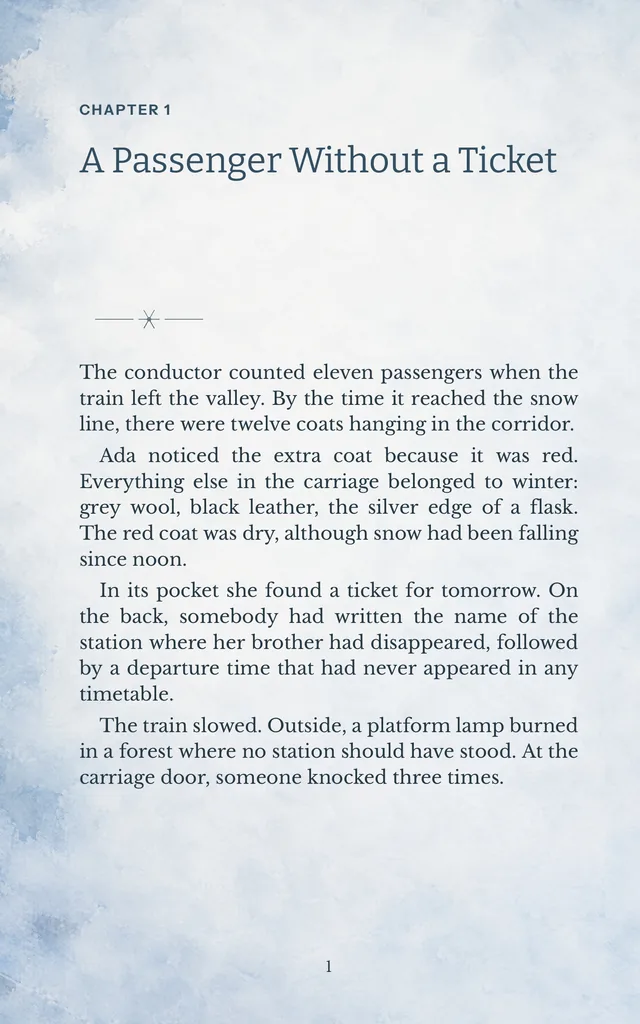
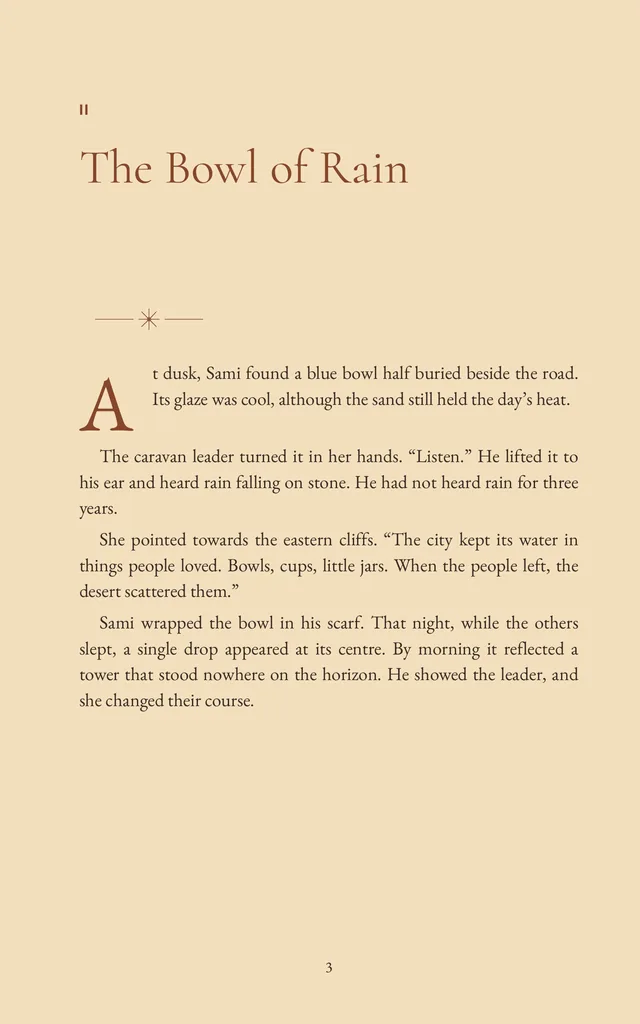
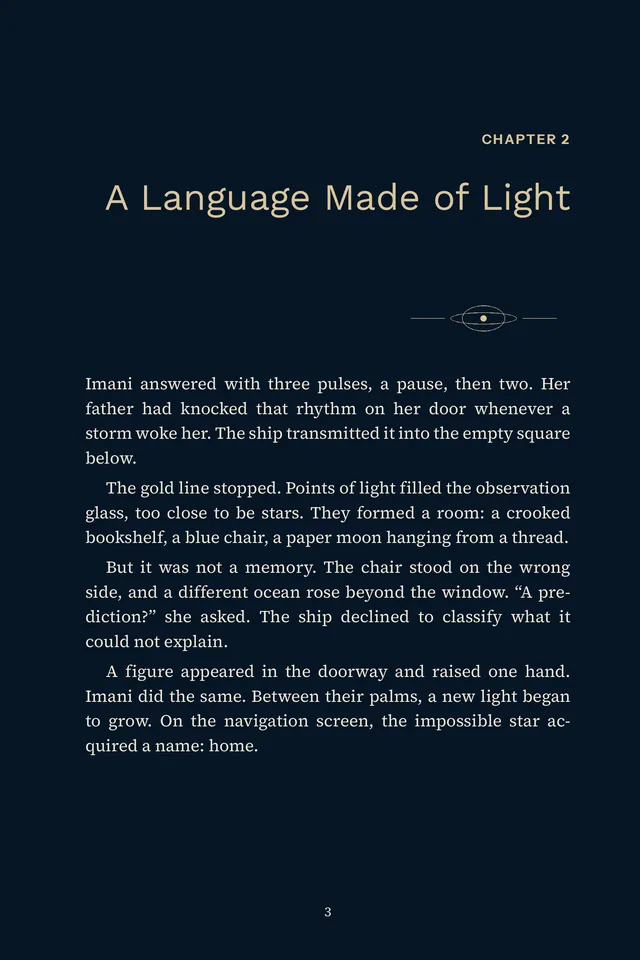
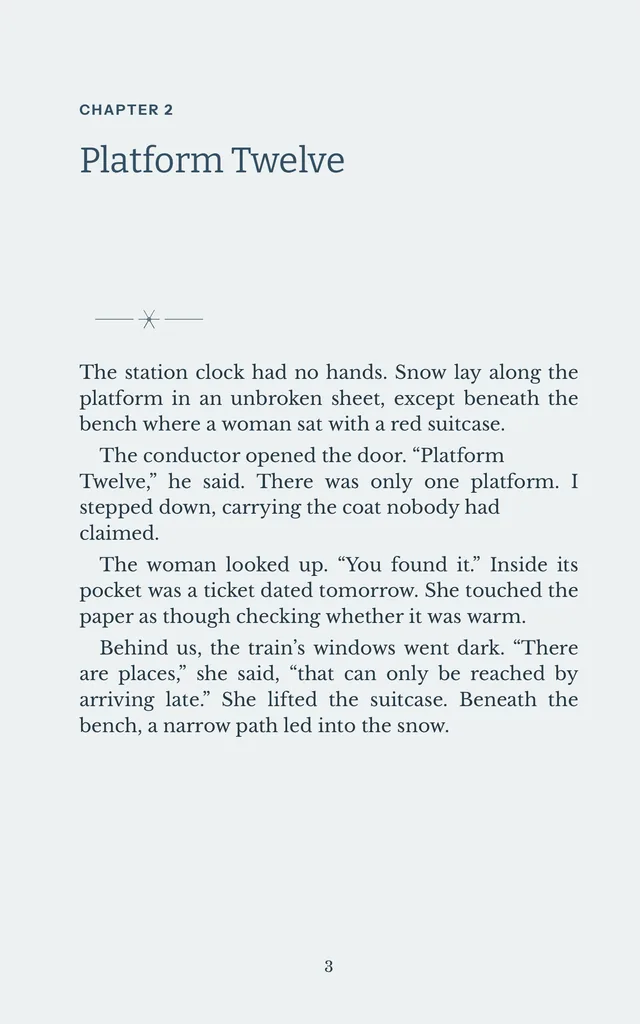
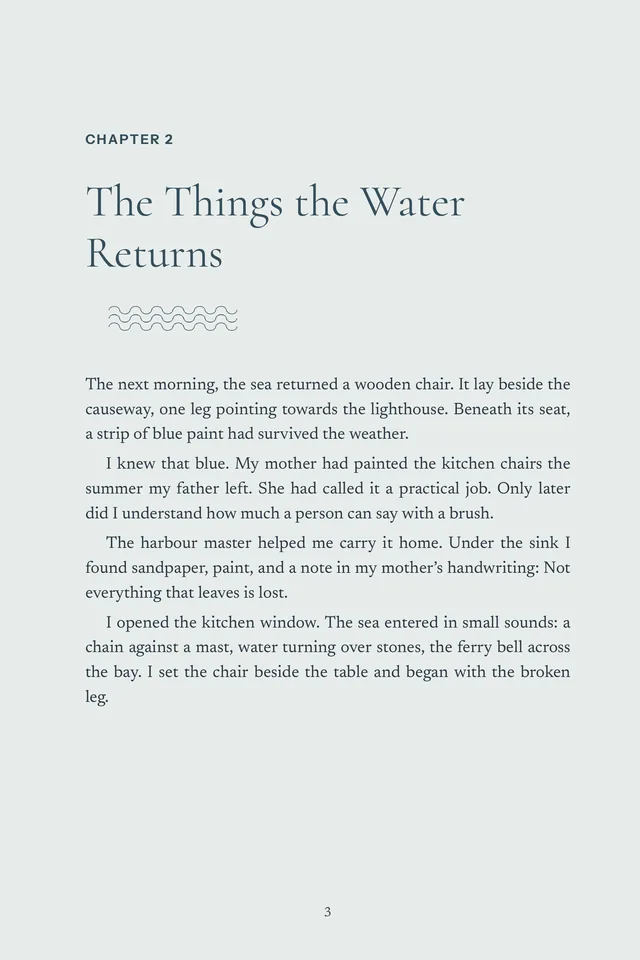
    The Last Train to Winter — Chapter 1, ‘A Passenger Without a Ticket’

    5 × 8 in · pages 2–3 · Alhora 1.36.1

    Your book.
    Your call.

    Seventeen built-in styles and twenty-three trim sizes, plus custom sizes and your own licensed fonts. Every choice stays visible, and every one can be undone.

    Explore the craft

    Before you upload

    Ready for print,
    with honest limits.

    Alhora checks the things printers and stores ask about, while you can still fix them. It runs offline, and it tells you what it found.

    • Spine width from your real page countFor KDP and IngramSpark paper stocks.
    • Trim, bleed and gutterInside margins checked against your page count.
    • Image resolutionPictures that will print soft are flagged.
    • Print cost and royalty estimatesUsing the printers' published rates.
    • Store pre-flightKDP, KDP Print, Apple Books, Kobo Writing Life, Barnes & Noble Press, IngramSpark and Draft2Digital.

    Checks flag the issues Alhora knows how to detect. Each store makes its own decision, so review your files in the store's previewer before you publish.

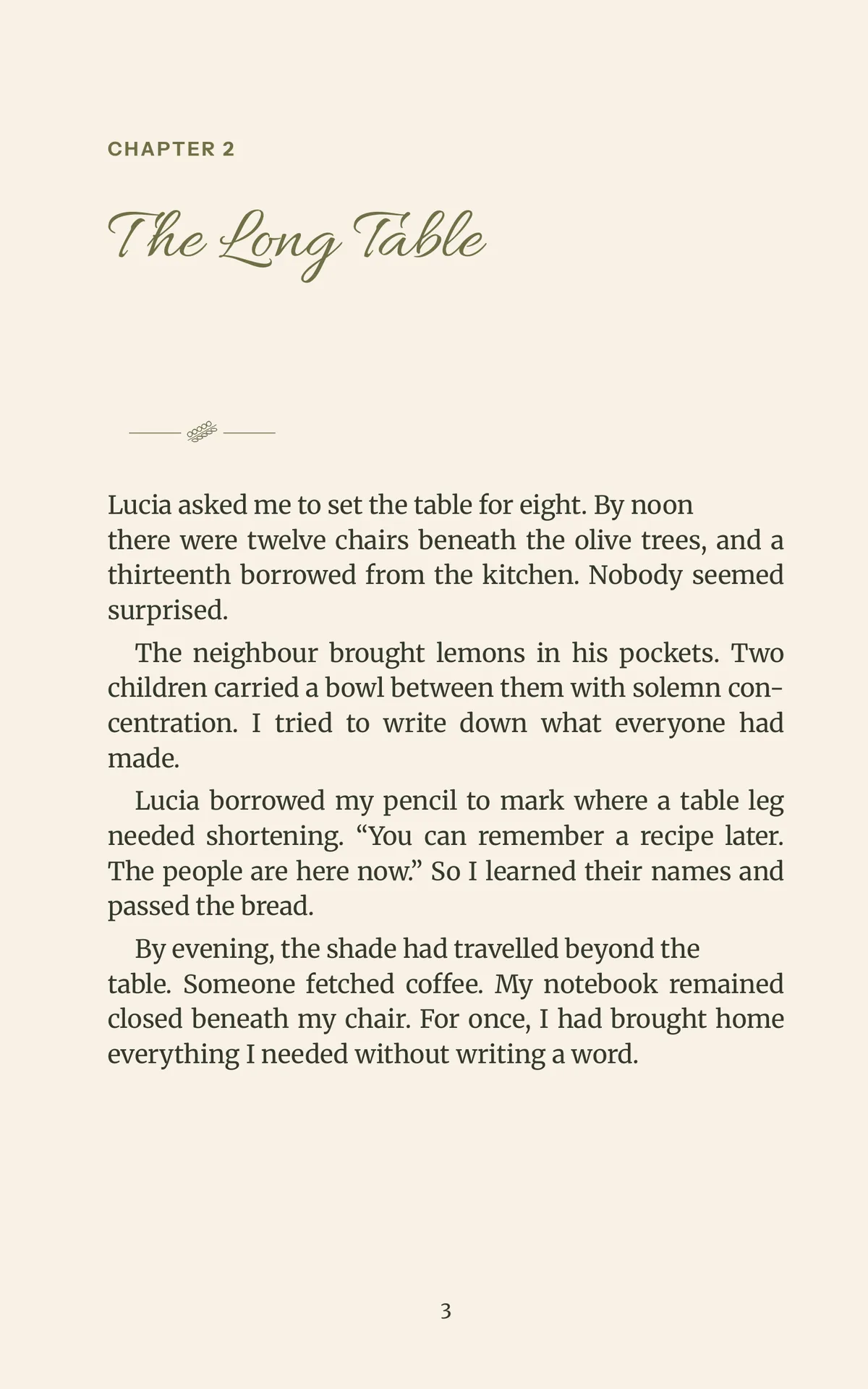
    The second chapter opening of A Table Beneath the Olive Trees: ‘The Long Table’. trim 5 × 8 in gutter text block
    Margin guides drawn over a real exported page, for illustration. In the app, Margin guides and Print readiness are views of your own book.

    Where your book goes

    One manuscript.
    Every shelf.

    Alhora builds what each store asks for from the same book, and checks it before you upload.

    • Store packages for Amazon KDP, Draft2Digital and IngramSpark — files, a metadata sheet in each store's field order, and an upload checklist.
    • Store-ready EPUBs for Kindle, Apple Books and Kobo, and a print-ready PDF.
    • Pre-flight checks for each of them, and for Barnes & Noble Press.
    • Also Word, Markdown and HTML when someone needs the text.

    Store names and logos are shown to say where files can go, and belong to their owners. Alhora isn't affiliated with these stores, and each one reviews your book itself.

    Version 1.42.2 · 17 November 2026

    Still being
    written.

    Three releases in seven days. Updates are free on every plan — choose a card for the full story.

    Give your story a prologue or epilogue

    Add an opening before Chapter 1 or a closing after your final chapter without changing the numbering.

    Write in Typewriter Focus

    Open Focus Mode for a softly lit page that moves as you type, keeping the current line in view.

    Keep one Reading Room invitation as your book changes

    Share a revised manuscript without asking readers to follow a new link.

    More room for the manuscript

    On phones and foldables, the formatting tools fit in one scrollable row.

    Let the paper move

    In Typewriter Focus, open Writing desk, choose Appearance and switch on Authentic carriage.

    All release notes

    What Alhora builds next is up to you. Open the suggestions board

    In authors'
    own words.

    “Alhora is genuinely a game-changer for indie authors. There’s honestly nothing else out there quite like it. From writing and formatting your manuscript to tracking your progress and planning your book launch, it brings everything an indie author needs into one beautiful, easy-to-use platform. It takes so much of the stress out of self-publishing and makes the entire process feel organised, manageable and actually enjoyable. You can tell it’s been designed with indie authors in mind, right down to the smallest details. I genuinely couldn’t recommend it enough.”

    E.MarszalekWidowsbloom

    “I thoroughly appreciate the thought and care that has been put into Alhora. It's becoming a one-stop shop for everything, from the writing process, to the styling, to the formatting and export. The more you dig, the more you discover how much control of the writing and formatting process the author has. I've yet to find a platform designed specifically for indie authors that can do everything that Alhora can do. This is worth its weight in gold!”

    Kathleen SolisThe Maesopica series

    “Alhora is a great new formatting software that answers a lot of problems that other softwares currently are failing in. It's very nice to use with nice graphics and the developer is amazingly considerate and responsive in fixing things that make it easier to use. A great new tool and I can't wait to keep discovering more about everything it can do!”

    Arya Walton

    Quoted with each author's permission. A quote comes down the day its author asks.

    Free to make.
    Pay when you publish.

    Format and preview your entire book without paying. When you are ready to export the complete book, choose the plan that suits how you publish.

    Free · no card

    Everything except the full export

    • The whole app: import, write, style and preview
    • Preview every spread of your complete book
    • A free sample export: front and back matter, the first eight pages, and a small “Made with Alhora.app” mark in the outside margin
    Download free

    Any plan

    Your complete book, as EPUB and print PDF

    Monthly
    $12.99 a month · cancel any time

    billed as £8.99

    Start Monthly
    Annual
    $124.99 a year · priority support

    billed as £89.99

    Start Annual
    Lifetime
    founder price $134.99 once, instead of $194.99 · the first 150 (78 of 150 claimed)

    billed as £99.00

    Get Lifetime
    Compare plans

    Your first plan purchase: request a full refund within 14 days. See refund terms.

    Prices shown in $ USD as a guide; charged in GBP.

    Begin
    your book.

    Download Alhora, bring in your manuscript, and see your first chapter set tonight.

    Writing on the move? Alhora for iPhone, iPad and Android

    Download on the App Store Get it on Google Play

    Free to format and preview · Version 1.42.2 · Or open the Web Studio (beta)